 Payster
100% on your iPhone · nothing goes to the cloud
Pay invoices without retyping
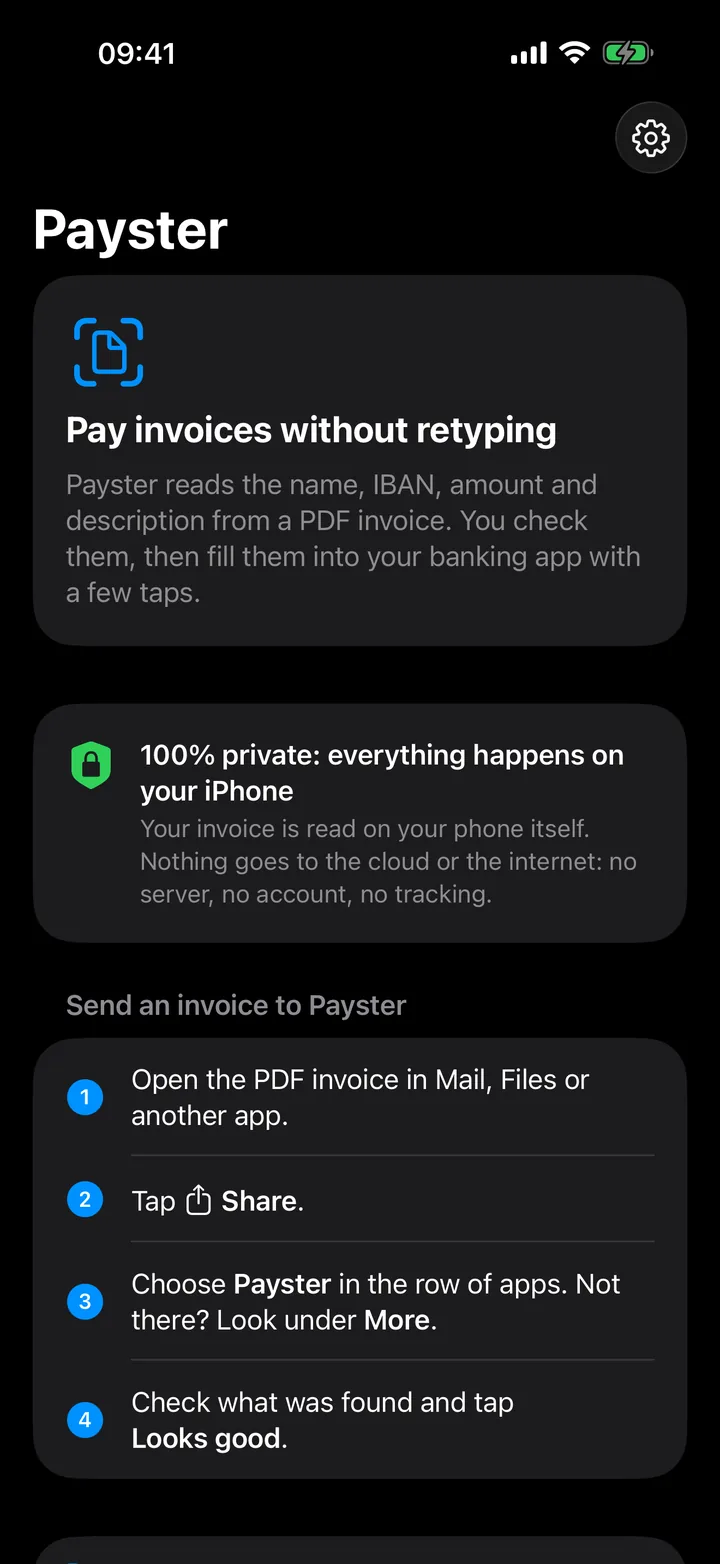
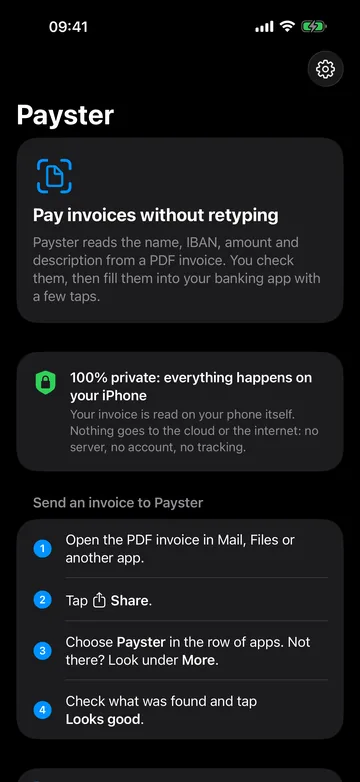
Payster reads the payee, IBAN, amount and reference from a PDF invoice. You check them, then fill them into your own banking app with a few taps.
Coming soon to the App Store, for iPhone with iOS 18 or later.
How it works
No account, no connection to your bank. You share an invoice, check what Payster found and fill it in.
Share the PDF
Open the invoice in Mail or Files, tap Share and choose Payster.
Check
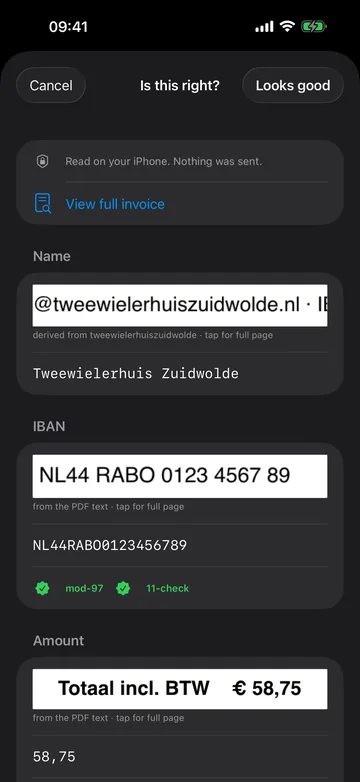
For every field you see where it sits on the invoice. If something is off, you edit it.
Fill in your banking app
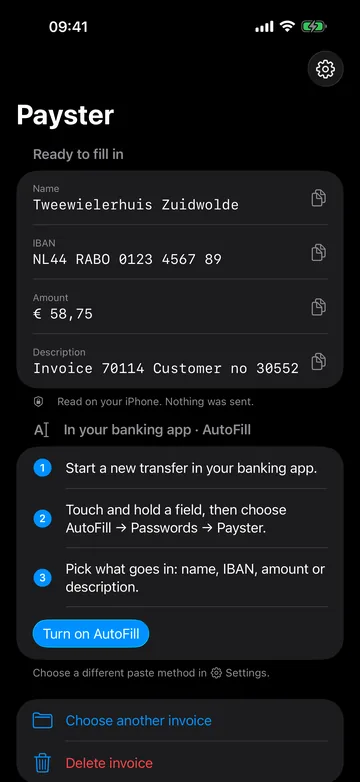
Through AutoFill, a notification or the Dynamic Island. You sign the payment in your banking app.
In the app
Payster screens with a fictional sample invoice.
Private, because it's your money
Payster has no server. The invoice is read on your iPhone, including text in scans and payment QR codes.
- Nothing goes to the cloud or the internet
- No account, no tracking, no ads
- Copied fields stay on this iPhone and leave the clipboard after 10 minutes
- Payster never pays by itself and has no access to your bank
Checks that look over your shoulder
A typo in an IBAN or amount is easy to make. Payster double-checks before you fill anything in.
- IBANs are verified with mod-97 (plus the Dutch eleven-test for Dutch accounts)
- Subtotal plus VAT is checked against the total
- Above an amount you choose, you confirm the amount separately
- Reads invoices in Dutch, English, German, French and Spanish
Question or problem?
The support page answers the most common questions. If that doesn't help, email software@vantoever.nl.